> ## Documentation Index
> Fetch the complete documentation index at: https://docs.httpmon.dev/llms.txt
> Use this file to discover all available pages before exploring further.
# HAR export
> Export captured traffic to HAR format for analysis
httpmon exports captured traffic as HAR 1.2 files. You can open
these in browser DevTools, Google's HAR Analyzer, or any tool that
reads the HAR format.
## Export all flows
Press `x` in the list view to export every captured flow at once.
## Export a single flow
Press `x` in the detail view to export only the selected flow.
## File naming
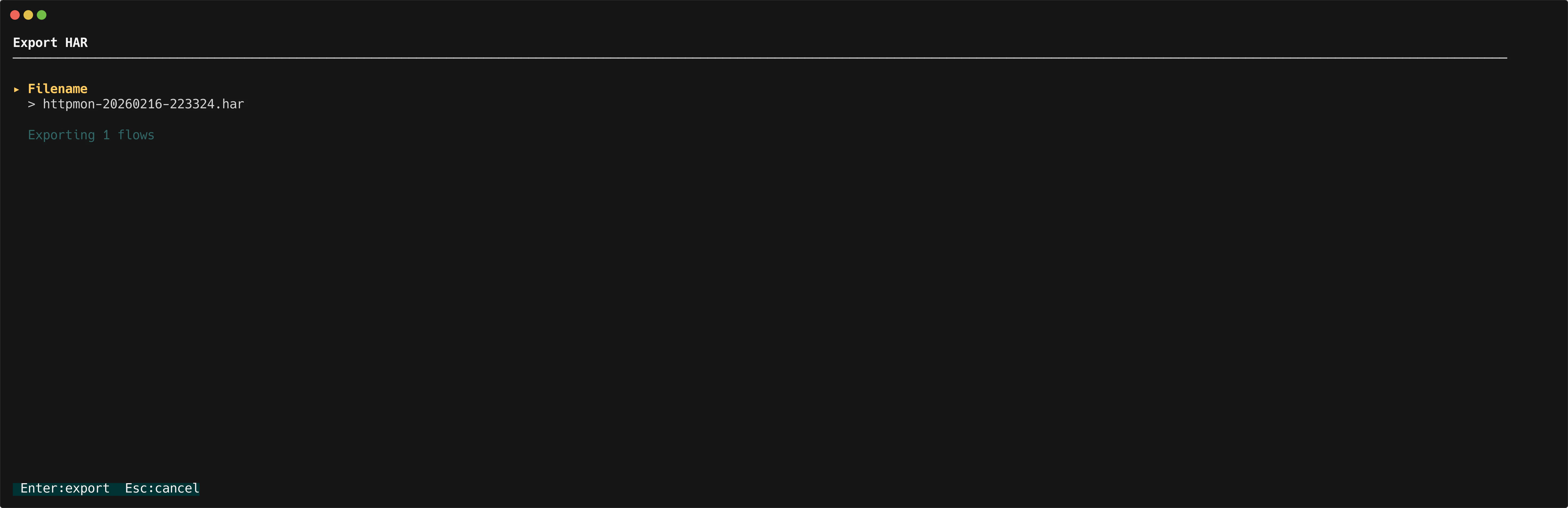
A modal prompts you for a filename. The default is
`httpmon-{timestamp}.har`, where `{timestamp}` is the current
date and time.
## Exported fields
Each HAR entry includes:
* **Request** -- method, URL, headers, and body
* **Response** -- status code, headers, and body
* **Timings** -- connection, wait, and transfer durations
## Viewing HAR files
Open the exported `.har` file in:
* Chrome or Firefox DevTools (Network tab, import)
* [Google HAR Analyzer](https://toolbox.googleapps.com/apps/har_analyzer/)
* Any HAR-compatible viewer